Get 50% OFF on Tiles360 CRM Plans — Manage Leads, Customers & Sales Smarter. 🚀

View Pricing

Visualizer

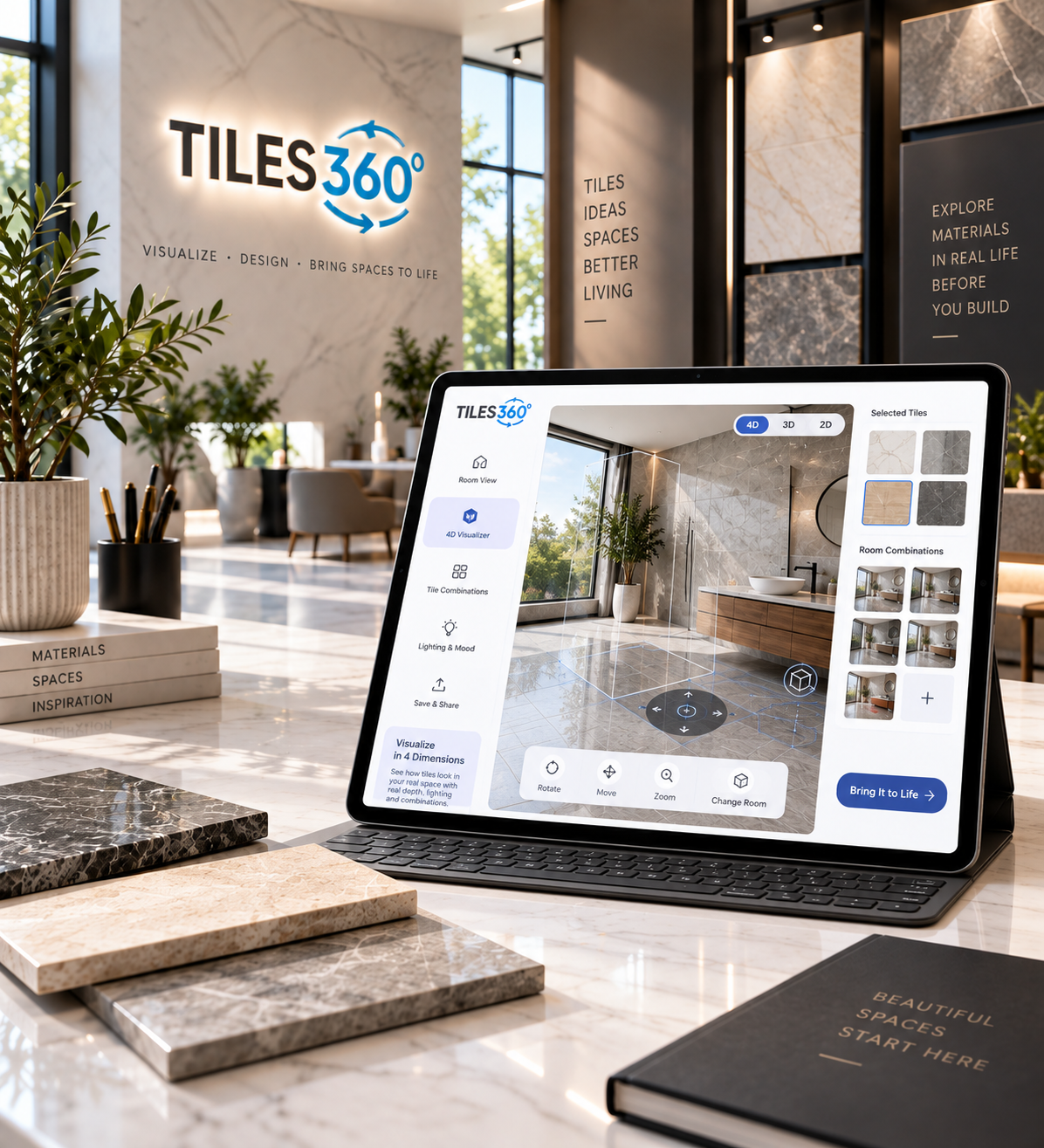
See Every Tile Clearly Before Your Customers Commit

Transform the Way Customers Choose Tiles

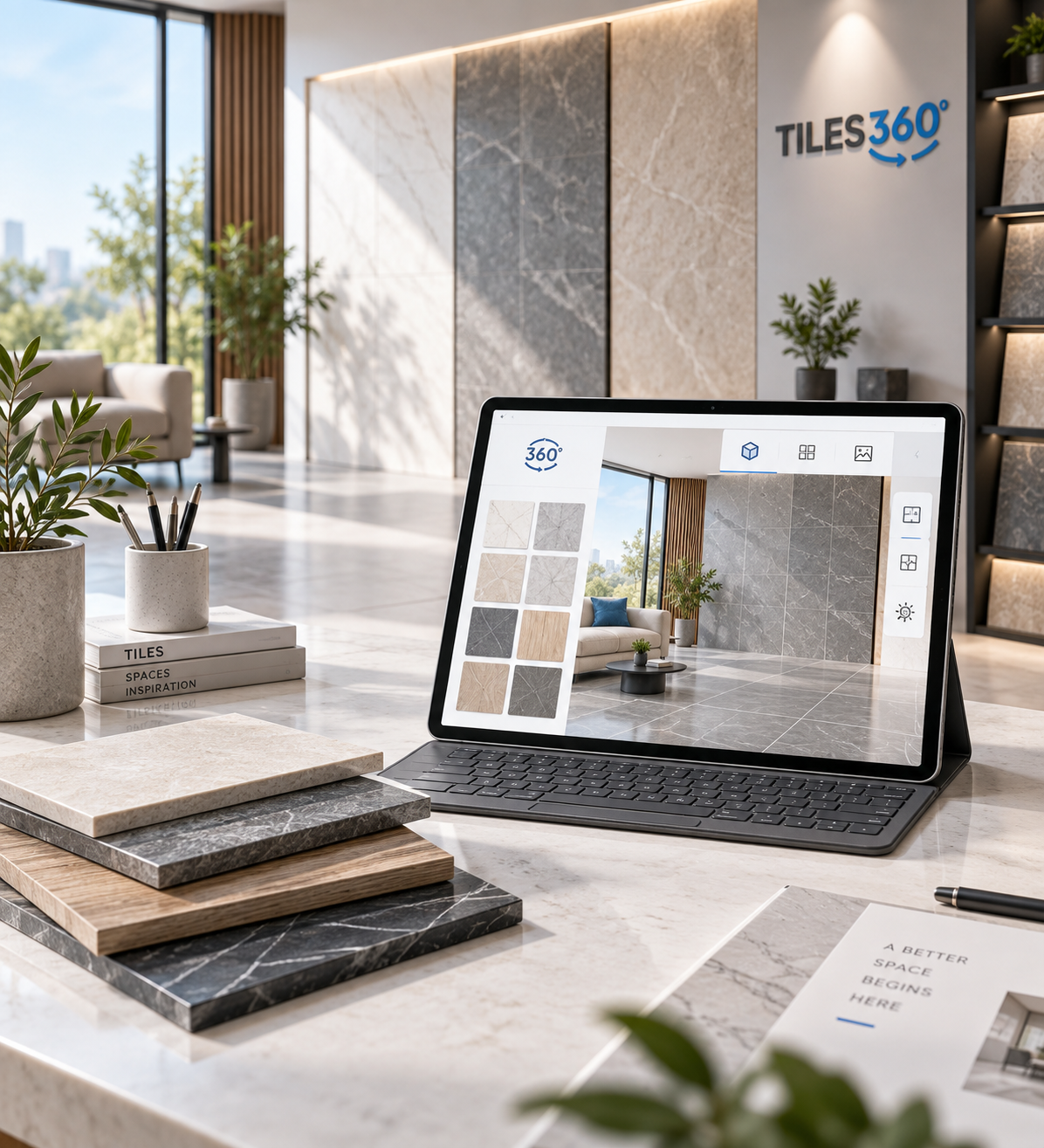
Choosing the right tile can be difficult when customers have to imagine how a design will look inside an actual space. Tiles360 makes the decision easier by allowing customers to visualize tiles directly in realistic rooms, surfaces, and environments.

From intelligent AI-powered visualization to immersive 360° experiences, our visualizer solutions help tile manufacturers, retailers, distributors, and showrooms create a more engaging buying journey. Customers can explore different designs, compare options, and make purchase decisions with greater confidence.

Service process

A Smarter Tile Visualization Experience


Our visualizer solutions are designed to make the complete tile selection journey simple—from choosing a room and selecting a tile to visualizing the final design and sharing the result.

Choose a Space

Select a room, upload an image, or choose from available room environments to begin the visualization experience.

01

Select Your Tiles

Browse your tile catalogue and explore different designs, sizes, finishes, colours, and collections.

02

Visualize Instantly

Apply selected tiles to floors, walls, or other surfaces and instantly see how they transform the space.

03

Compare & Decide

Experiment with multiple designs, compare combinations, save visualizations, and confidently choose the right tile.

04

Services outcome

Turn Visualization into Better Buying Decisions


Tiles360 helps transform your digital tile catalogue into an interactive product experience that supports customers throughout their selection journey.

5+

Visualizer Experiences in One Platform

Make Every Tile Decision Feel Effortless

Customers are wary when they cannot envision how a tile will look in a room in its entirety. Our ceramic tile visualizer uses a real-life environment to show products to buyers, helping them understand scale, color, pattern, and overall effect before making a final decision.

From quick previews to fully immersive digital rooms, Tiles360 helps manufacturers, retailers, distributors, and showrooms create a stronger purchasing experience. Customers can experiment with designs, try combinations, and explore surfaces and shortlist options with greater clarity and confidence at each stage.

Turn Browsing Into a Visual Experience

The product is depicted in still images. Provide customers with a ceramic tile visualizer that lets them browse collections, simulate combinations, experiment with tiles, and see how changes affect the finished space.

  • Preview Before You Commit

    Show tiles inside realistic environments so customers can judge colour, pattern, proportion, and overall appearance before committing to a selection.


  • Explore More Tile Options

    Customers can switch between products and collections quickly without changing displays or relying on samples.

  • Keep Customers Exploring

    Interactive visualization encourages buyers to browse deeper, discover alternatives, and spend time exploring your collection.

  • Support Better Decisions

    Use the room configurator to show spaces, reducing uncertainty as customers compare and confidently shortlist tiles.

OUR VISUALIZERS

Visualization Options for Every Buying Journey

Tiles360 provides immersive digital experiences through websites, showrooms, and sales teams, plus AI-powered virtual room previews on the phone.

AI Tile Visualizer

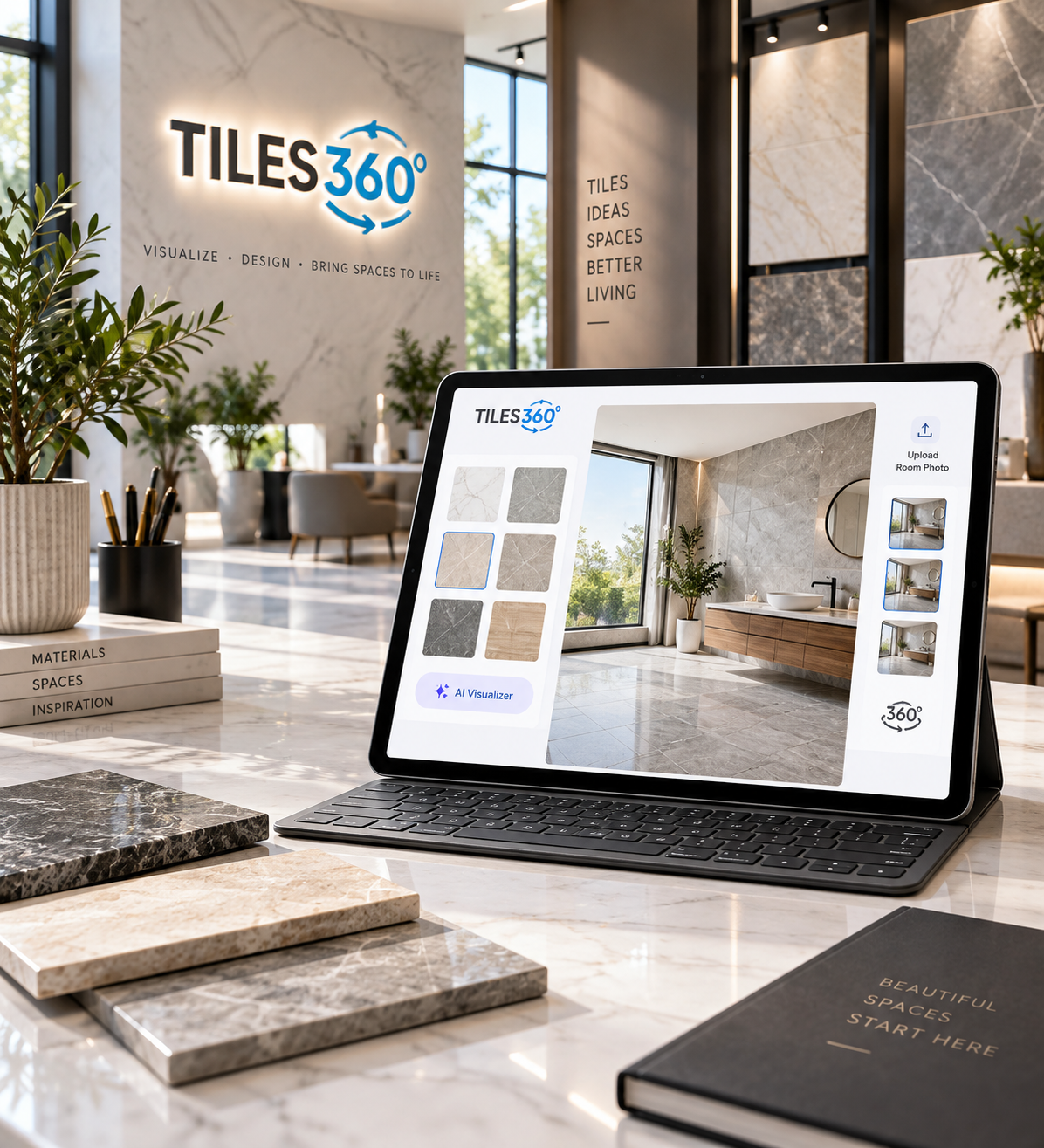
Let customers upload their room and preview different tiles through AI-powered visualization.

360° Tile Visualizer

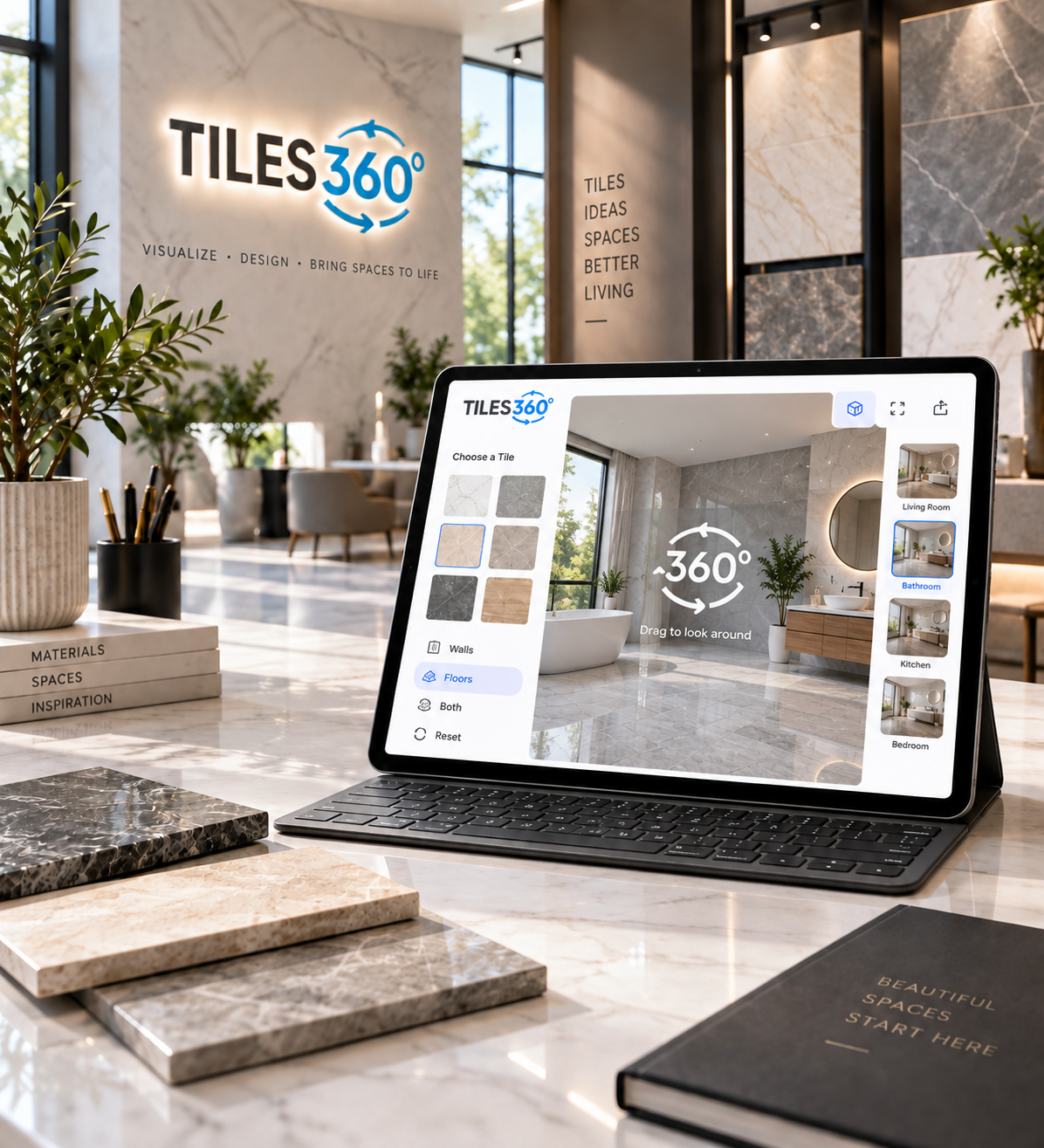
Create immersive spaces where customers explore walls, floors, surfaces, and tile combinations.

2D Tile Visualizer

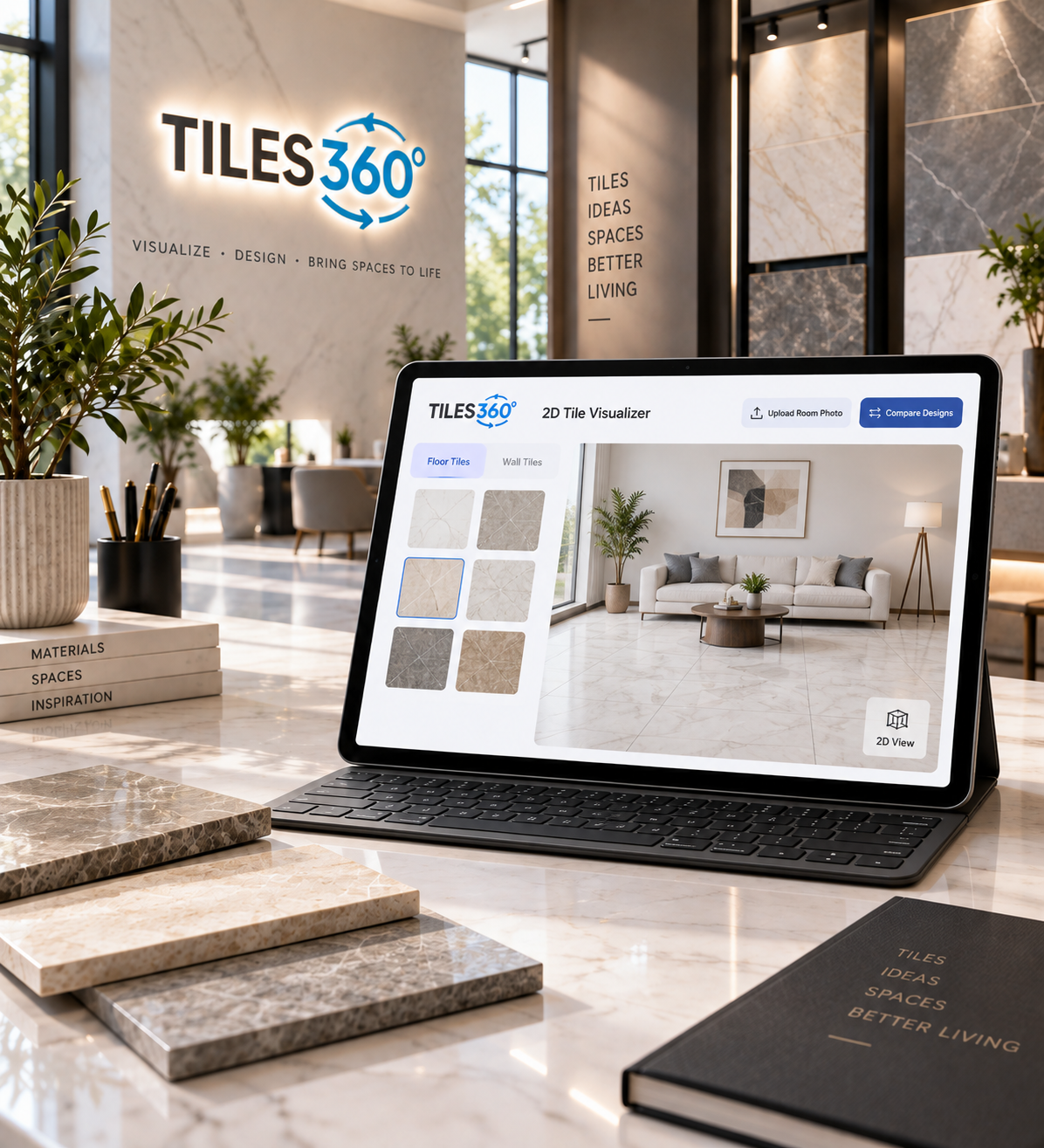
Use ready-designed rooms for fast previews and easy comparison between tile designs.

4D Tile Visualizer

Offer richer tile exploration with deeper interaction and context.

Visualize Your Space. Choose With Confidence.

Explore stunning room designs, experiment with tile combinations, and visualize your dream interiors with our room configurator before buying, making every design decision easier.

Let Buyers Explore Every Viewing Angle

Create a 3D room experience where customers can walk through the room, test the 3D Configurator on surfaces, and compare options before choosing.

Put the Customer’s Own Room Into Their Decision

Let customers add a photo of a room and see how various tiles may look in their real room. This ceramic tile visualizer is more personalized and relevant, making the products easier to understand.

Give Tile Exploration More Depth, Detail, and Interaction

Make the visualization more engaging and social by providing a richer experience with deeper interaction and more combinations, so customers can use the 3D Tile simulator and explore products in a more interactive scene.

Make Every Visualization Support Better Decisions

A stronger experience helps customers compare products in context, understand combinations faster, and move through selection with less uncertainty.

FAQ'S

Questions Before Starting?

  • 1 Why use a tile visualizer?

    A tile visualizer lets customers preview different products inside digital rooms or uploaded spaces before making a tile purchase decision with greater confidence.

  • 2 How does Tiles360 support my tile business?

    Tiles360 makes product browsing more visual and interactive, helping customers explore collections, compare options, and make tile decisions with greater confidence today.

  • 3 Can buyers visualize their own room?

    Yes. Supported AI visualization lets customers upload a room image and explore how different tile options may appear inside their own space before choosing with greater confidence.

  • 4 Can I use my current tile catalog here?

    Yes. Your current products and collections can be integrated so customers explore the tiles and designs your business actually offers.

  • 5 How are 2D and 360° visualization experiences exactly different?

    2D uses predefined room scenes for quick product previews, while 360° visualization creates a more immersive environment where customers can explore the room from multiple viewing angles and understand broader spatial context.

  • 6 Can Tiles360 match my existing business branding?

    Yes. Tiles360 can be configured around your collection, branding, visualization requirements, and preferred customer experience.

  • 7 Can sales teams use the visualizer directly?

    Yes. Sales teams can use the room configurator during showroom conversations, meetings, presentations, and product discussions.

  • 8 Can customers use Tiles360 on mobile?

    Yes. Tiles360 supports mobile-friendly visualization so customers can explore products conveniently across compatible devices.