Get 50% OFF on Tiles360 CRM Plans — Manage Leads, Customers & Sales Smarter. 🚀

View Pricing

2D Tile Visualizer

Turn Tile Browsing Into a Room-Ready Preview

2D

Quick Room Preview

Make Tile Comparison Feel Faster and More Natural

Give customers a more convenient way to compare designs in real room environments. The 2D Visualizer helps customers see colour, pattern, finish, and overall impact without a complicated process.

Let Buyers Explore More Designs in Less Time

Put various tiles in professionally designed room scenes, switch between choices in a second, and help customers see how the design affects the overall look before they shortlist.

READY-MADE ROOM SCENES

Turn Every Room Into a Faster Product Decision

Allow customers to select a room, add various tiles, compare colours and patterns, and easily choose combinations that better suit their project and style.

THE CHALLENGE

Flat Tile Images Leave Too Much to Imagination

To make informed choices, customers need more than single-product shots. A 2D Visualizer provides room context, helping them see how tiles will look across an entire area.

Missing Room Context

The problem with individual tile pictures is that it is hard to tell how a design would appear in a room as a whole.

Too Many Choices

Different collections may overload customers with too many options, where multiple colours, patterns, and finishes all seem like a good fit.

Slow Comparisons

Shortlisting can be unexpectedly time-consuming when you have to jump between product pages or physical samples.

Uncertain Decisions

Buyers may not feel confident in their final choice if they don't see tiles in a room.

2D Visualization Outcomes

Make Product Comparison Quicker and Clearer

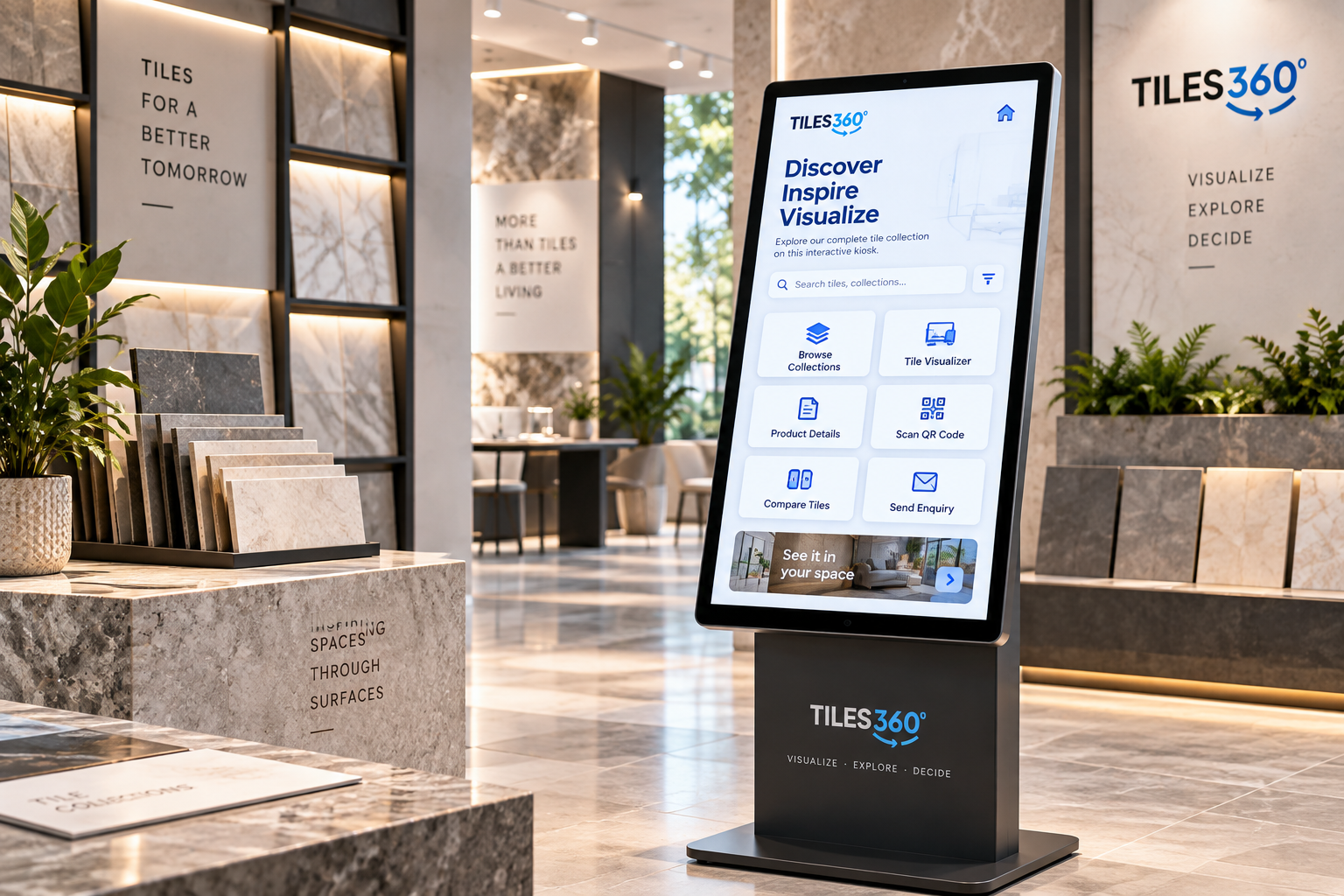
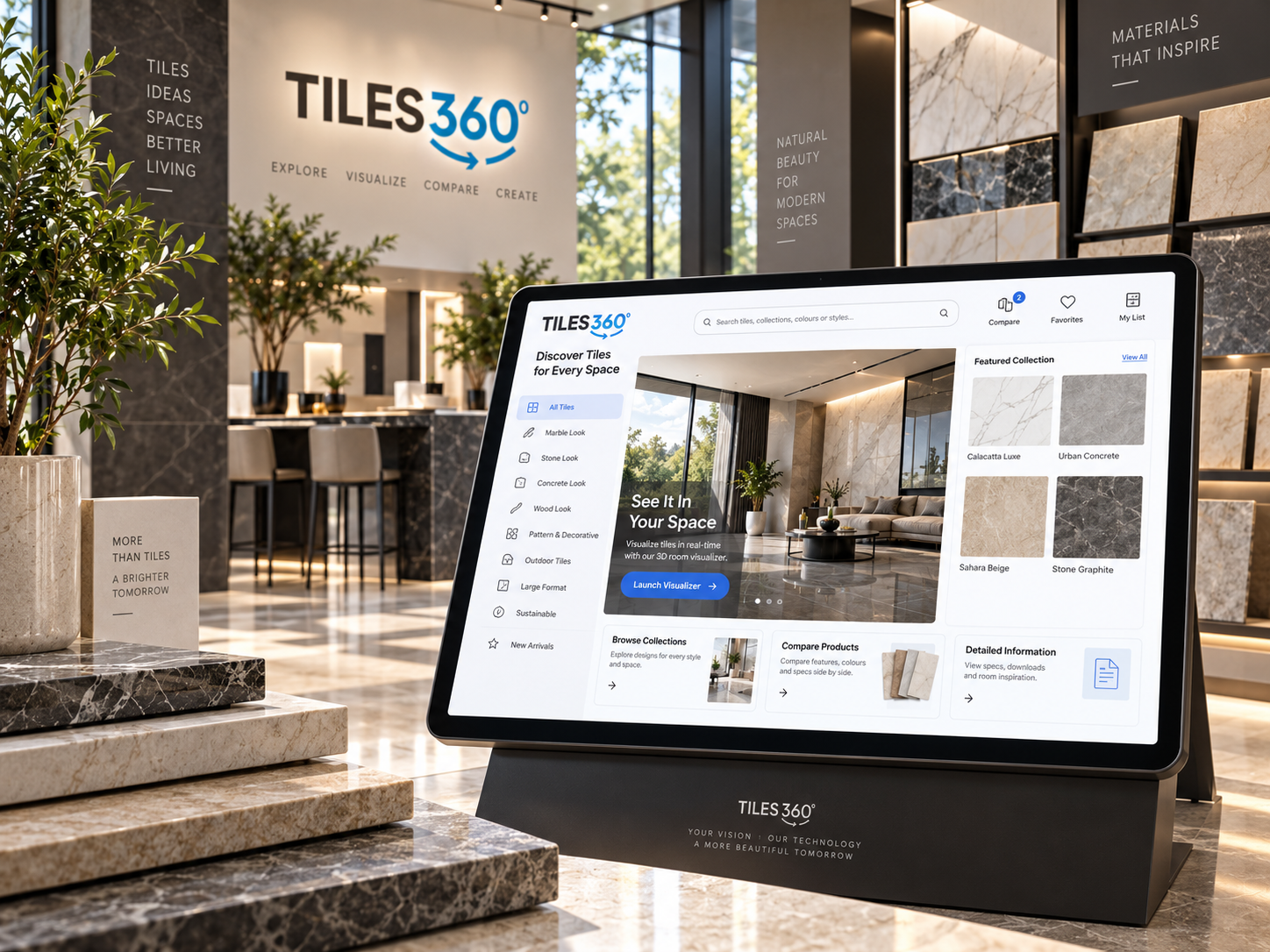
Tiles360 gives customers an easy way to browse products in realistic room layouts, compare different looks, and make decisions with more confidence.

FAQ'S

Your Questions, Answered!

  • 1 What is Tiles360 2D tile visualization experience?

    It is a visualization experience that provides a simple preview of various tile products within professionally designed 2D room scenes and then makes a selection.


  • 2 How does the 2D Visualizer work?

    The customer selects a room scene, places various products on supported surfaces, and immediately visualizes how each tile transforms the space.

  • 3 Are the customers able to alternate between tile designs?

    Yes. Customers can switch products quickly and compare various colours, patterns, finishes, or styles in the same room scenario.

  • 4 What are the types of rooms that customers can visit?

    Depending on the experience set, available scenes may include living rooms, kitchens, bathrooms, bedrooms, and other supported spaces.

  • 5 Is it possible to add my own tile collection?

    Yes. You can connect your tile products so customers can view your real collection within the available room scenes.

  • 6 Can customers easily use the 2D Visualizer?

    Yes. It helps buyers explore products quickly without getting bogged down in a more complex 3D space.

  • 7 Is it mobile compatible?

    Yes. The experience is available on supported desktops, tablets, and mobile devices for convenient tile exploration.

  • 8 What can 2D visualization do to assist my tile business?

    It makes product comparisons easier, enhances interaction, builds confidence in the selection, and helps customers make purchase decisions faster.